1-Click Capture.
AI Orchestrated.
The all-in-one desktop command center for job seekers. Send any job description from your browser in 1-click, batch-process with local AI, and tailor professional LaTeX resumes instantly.
Professionals
Surgical AI tailoring for senior roles and complex career paths.
Students
Easy-to-use templates and AI parsing to land your first internship.
Recruiters
Standardize candidate profiles and manage high-volume tailoring securely.
System Visuals
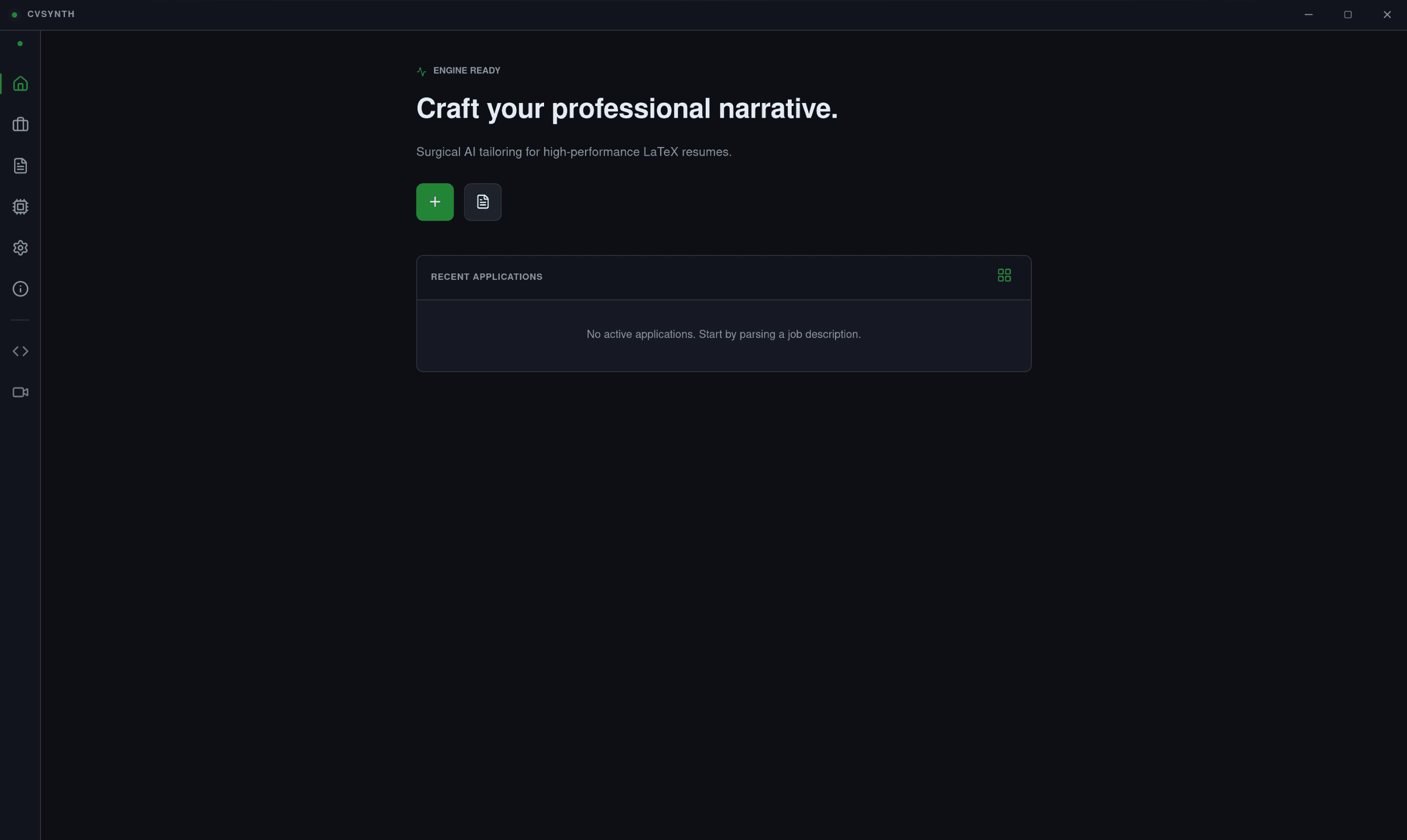
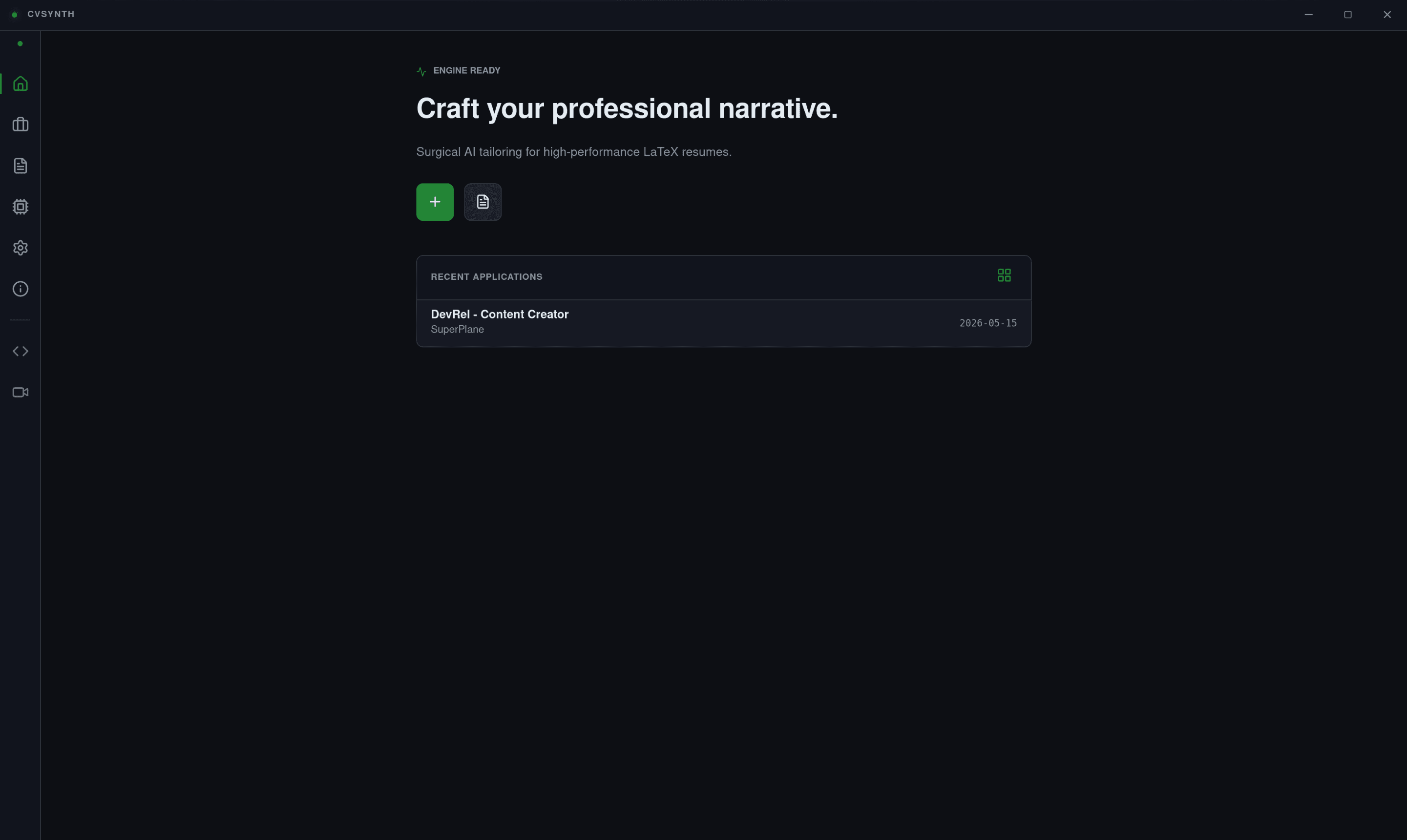
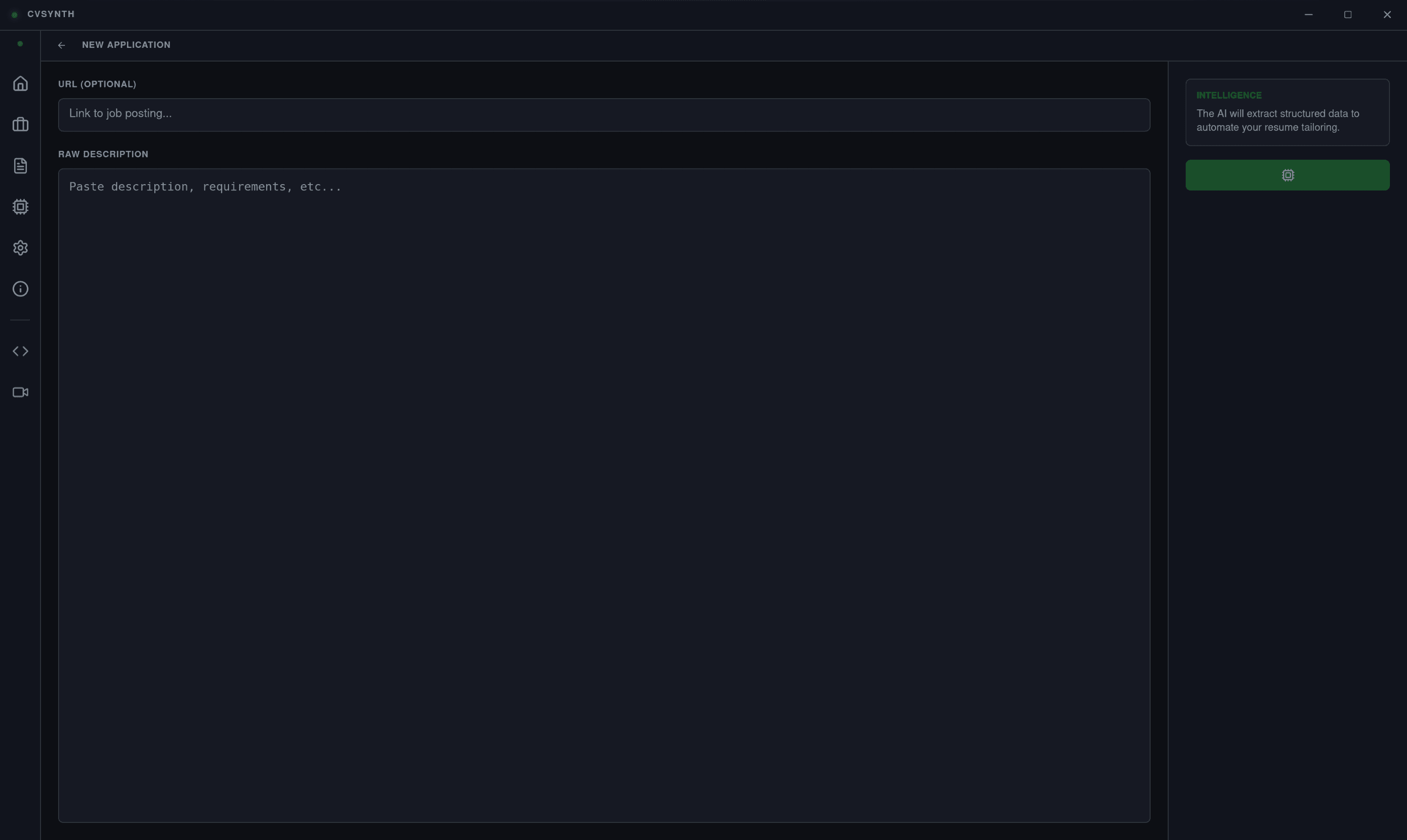
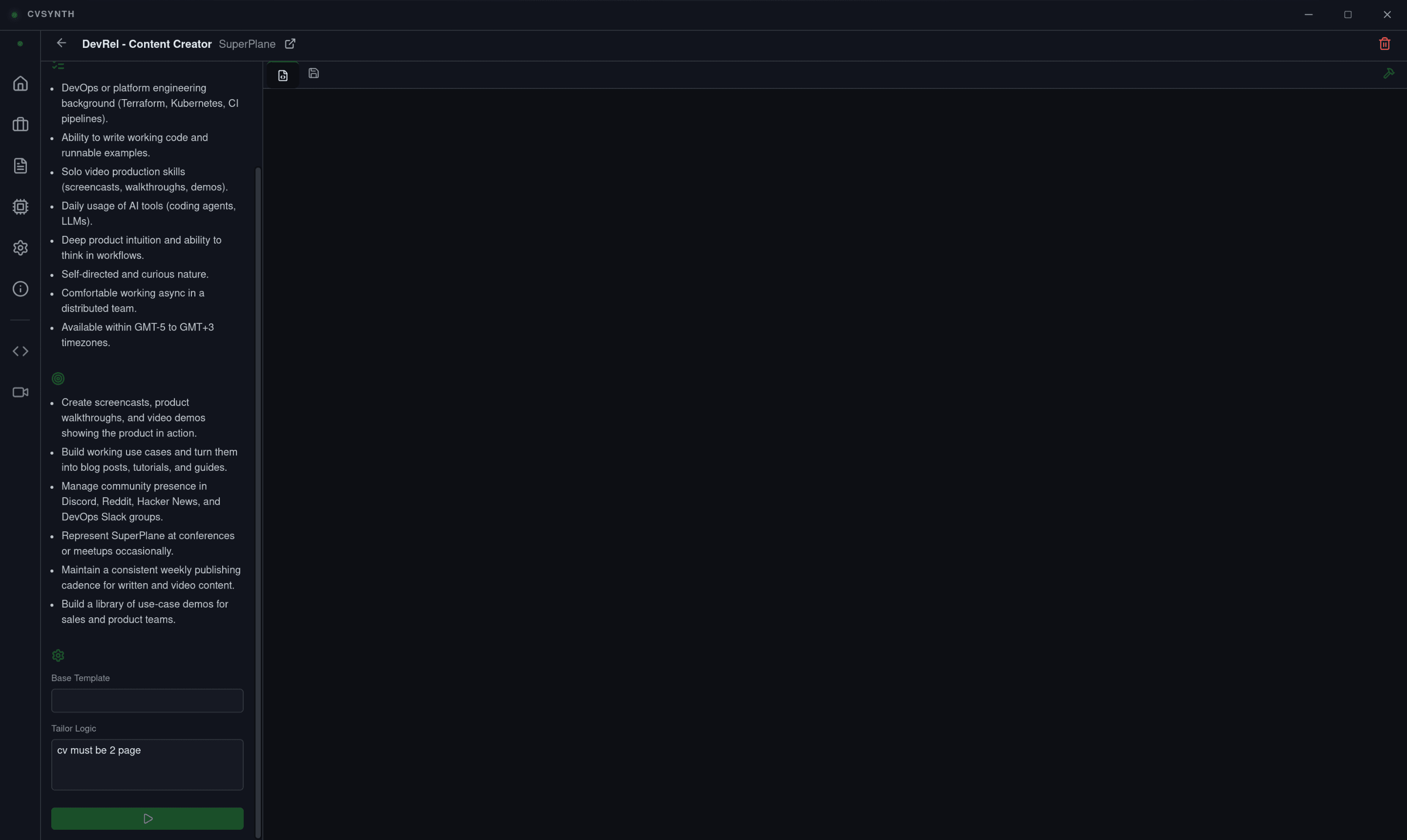
A high-performance interface designed for surgical precision.
_start%20extraction.png&w=3840&q=75)
The RoleTect Lifecycle
From 1-click browser capture to batch AI processing and native LaTeX compilation, RoleTect keeps your job search organized and your data private.
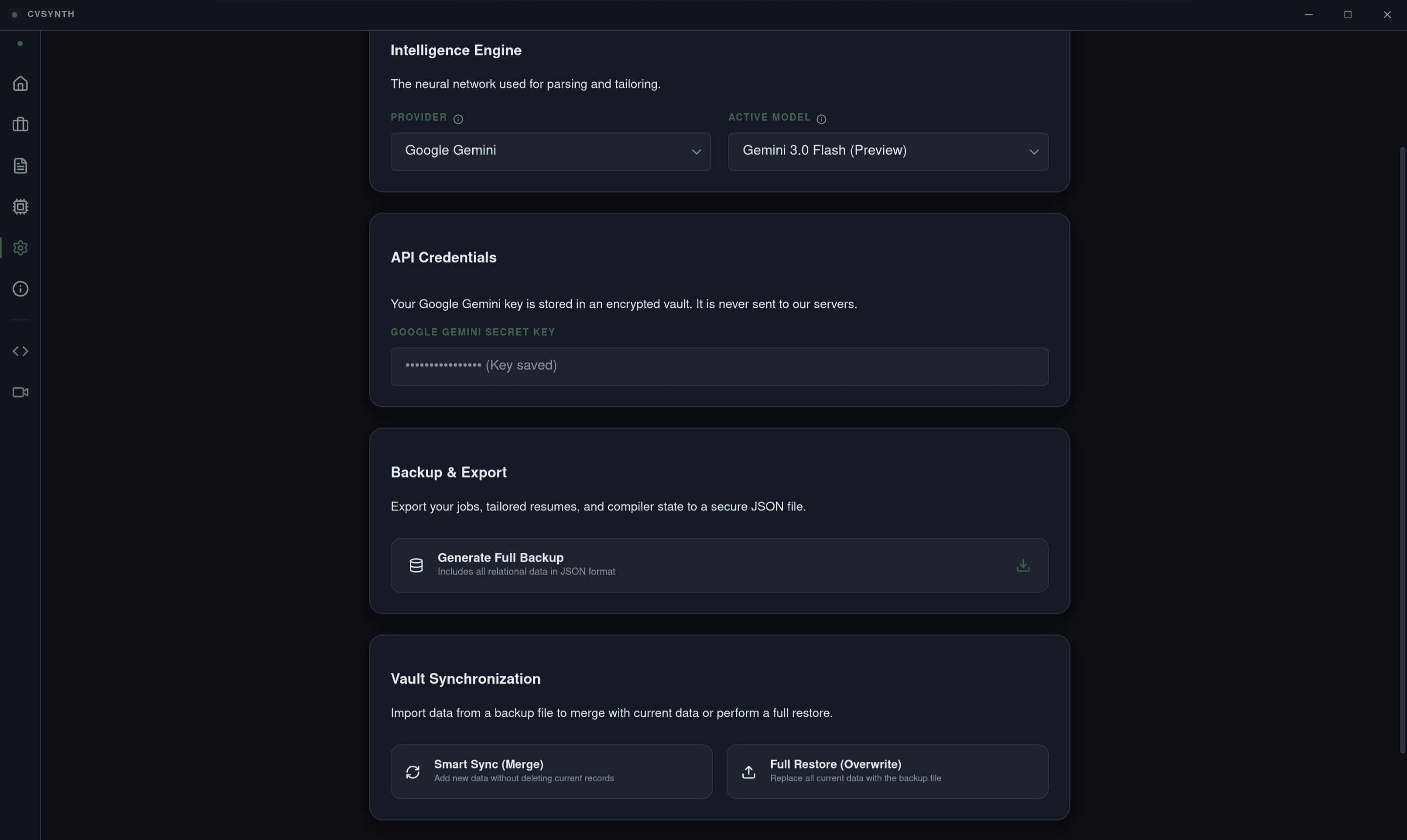
Secure Setup
Initialize your preferred AI provider in Settings. API keys are encrypted locally via AES-256-GCM—your credentials never touch our servers.
1-Click Capture
Browse LinkedIn or Indeed and send job descriptions straight to your RoleTect Inbox with a single click using our extension. No copying required.
Batch AI Extraction
Review your Inbox and batch-process jobs. Our local AI extracts structured data (salary, requirements, role) and moves them to your Job Vault.
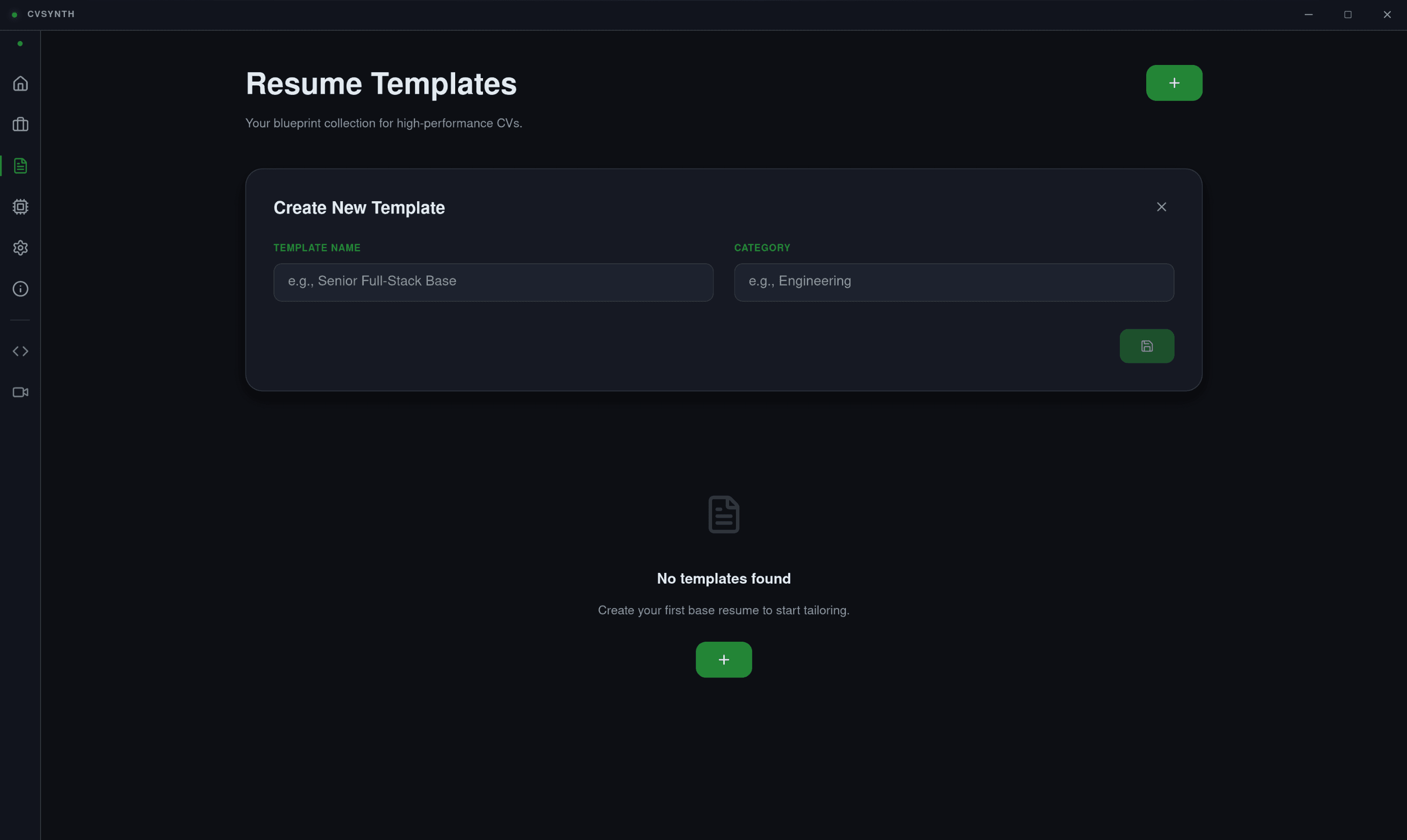
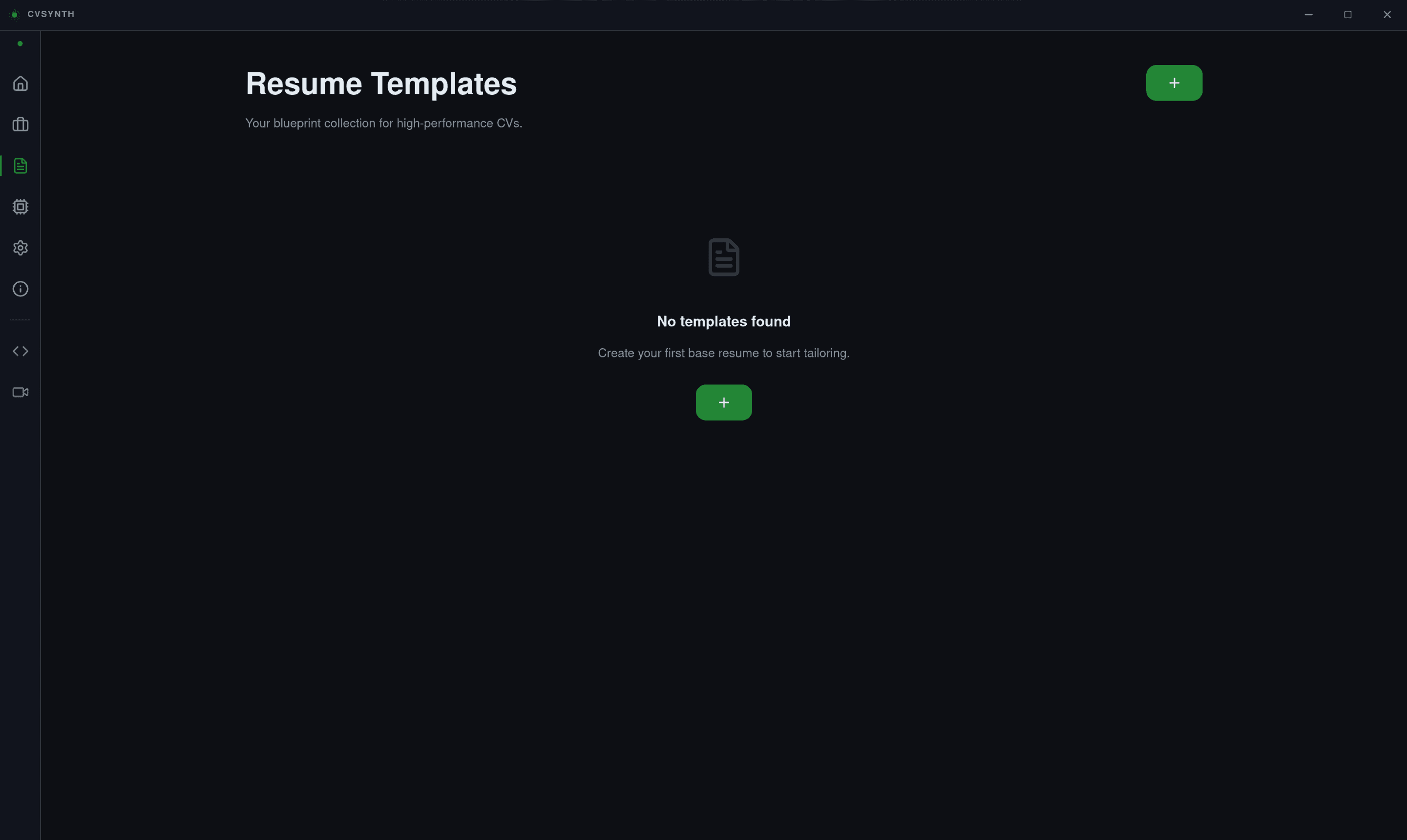
Template Library
Maintain your master LaTeX resume templates in your local library. These serve as the high-fidelity source for all AI tailoring operations.
Surgical Tailoring
Orchestrate your application. AI surgically modifies your LaTeX content to align with the specific job in your Vault while preserving your style.
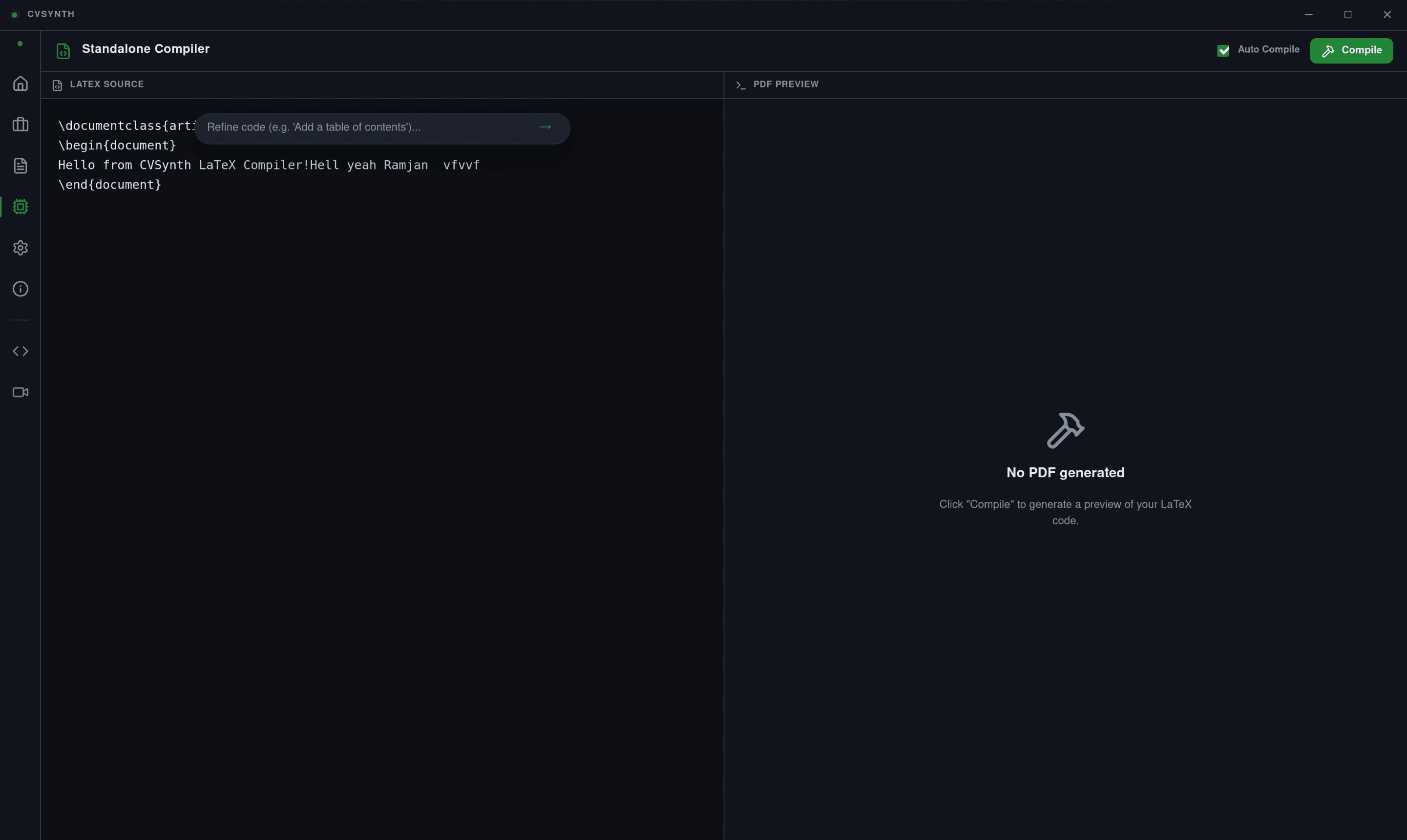
Native Compilation
Compile to professional PDF instantly using the built-in Tectonic engine. Preview, track, and manage the full lifecycle in your Dashboard.
Deep Application Insights
Once in your Vault, every job becomes a dedicated workspace. Track interview dates, salary offers, and custom notes. See exactly which tailored version of your resume was used for every single application.
Privacy-First, Local-Only
Your career data is sensitive. RoleTect operates entirely on your machine. No cloud tracking, no data harvesting. Just a high-performance desktop app that gives you full control over your narrative.
Everything You Need to Win
RoleTect combines enterprise-grade typesetting with advanced AI to give you an unfair advantage in your job search.
Surgical AI Tailoring
Align your experience with job requirements using state-of-the-art LLMs (Gemini, GPT-4, Claude).
1-Click Browser Ingestion
Capture job postings instantly from LinkedIn, Indeed, or any site using our Chrome and Firefox extensions.
Batch AI Processing
Send jobs to your Inbox and process them in bulk. Our AI extracts structured data for your Vault.
Native LaTeX Compiler
Built-in Tectonic engine compiles your resumes into professional PDFs instantly. No TeX installation required.
Local-First Privacy
Your data never leaves your machine. AES-256-GCM encryption ensures your API keys and resumes are yours alone.
Multi-Model Support
Choose your favorite AI provider. Support for Gemini, OpenAI, Groq, and Anthropic is baked right in.
Engineered for
Reliability
RoleTect uses a sophisticated bridge architecture to combine a modern Vue 3 frontend with a high-performance Rust backend.
Tauri v2 Framework
Modern, lightweight, and secure desktop runtime.
Rig & Tectonic
Advanced LLM orchestration and Rust-native TeX compilation.
Stronghold Security
Encrypted P2P-ready state management for sensitive keys.
Open Source
Dual-licensed under MIT and Apache 2.0.